
In the era of digital convenience, QR codes have emerged as a pivotal tool for seamless information sharing and marketing. This guide delves into how you can streamline your digital experience by creating personalized QR codes from links using a QR code generator. Whether for personal use or business purposes, understanding this process can significantly enhance your digital interactions.
The Basics of QR Codes
What is a QR Code?
A QR (Quick Response) code is a two-dimensional barcode that stores information and can be scanned using a smartphone camera. Originally designed for tracking vehicle parts, QR codes are now used widely in marketing, information sharing, and digital transactions.
Advantages of Using QR Codes
QR codes offer a quick, touchless way to direct people to websites, contact information, online resources, and more. Their ease of use and versatility make them ideal for various applications, from business promotions to personal data sharing.
Choosing the Right QR Code Generator
Features to Look For
When selecting a QR code generator, consider factors like customization options, tracking capabilities, and ease of use. Some generators also offer dynamic QR codes, which allow you to change the destination link without altering the QR code itself.
Recommended QR Code Generators
There are numerous QR code generators available online, both free and paid. Look for reputable platforms with positive reviews and reliable customer support. An excellent example of a reputable code generator is Adobe Express, you can visit here to create your QR code from link.
Creating Personalized QR Codes
Step-by-Step Guide
- Select a QR Code Generator: Choose a generator based on your needs and preferences.
- Enter Your Link: Input the URL you want to convert into a QR code.
- Customization: Customize the design of your QR code. Many generators allow you to change colors, add logos, and even alter the shape of the QR code elements.
- Generate and Test: Once your QR code is generated, test it with multiple devices to ensure it works correctly.
- Download and Deploy: Download the QR code in your preferred format and start using it in your digital or print media.
Tips for Effective QR Code Design
- Visibility: Ensure your QR code stands out and is easily scannable.
- Branding: Incorporate your brand’s colors or logo for a personalized touch.
- Simplicity: Avoid overcrowding the QR code with excessive design elements.
Using QR Codes Effectively

In Marketing and Business
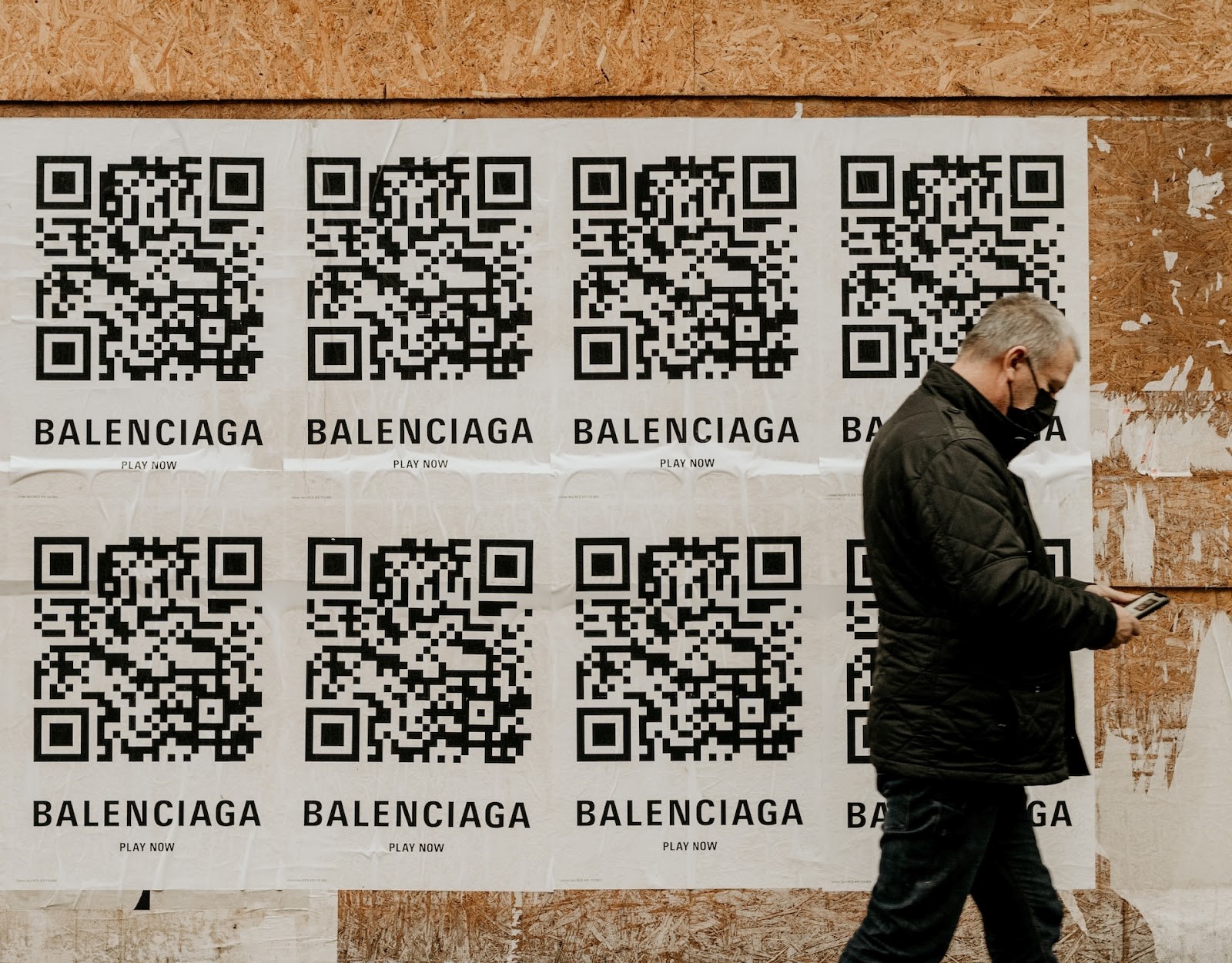
QR codes can be used in marketing materials to direct customers to your website, promotional content, or contact details. They’re particularly effective on posters, flyers, business cards, and product packaging.
For Personal Use
Create QR codes to share personal contact information, links to social media profiles, or directions to event venues. They’re great for making information sharing quick and hassle-free at social gatherings.
Tracking and Analytics
Monitoring QR Code Performance
Many QR code generators offer tracking features. Use these to monitor how many times your QR code was scanned, when, and where. This data is invaluable for understanding the effectiveness of your marketing strategies.
Ensuring Security
Safe QR Code Practices
- Avoid linking to unsecured websites: Ensure that the URL you are encoding is secure (https://).
- Regularly update dynamic QR codes: Keep the linked content relevant and up-to-date.
- Educate users: If you’re using QR codes in a business context, educate your audience on how to scan them safely.
Conclusion
Creating personalized QR codes from links is a straightforward yet powerful way to streamline your digital experience. Whether for professional or personal use, QR codes offer a modern solution for sharing information quickly and efficiently. By selecting the right generator, customizing your code, and using it effectively, you can harness the full potential of this versatile tool. Remember to prioritize visibility, branding, and security in your QR code designs to maximize their impact and ensure a safe, productive digital experience.