 Wondering why your computer system is running slower than usual? It’s time to take action and protect your business from the devastating effects of system slowdowns.
Do you ever find yourself staring at a computer screen for what seems like forever, waiting for the operating system to load and data to process? If so, you’re likely facing a system slowdown. System slowdowns can be caused by a variety of factors from outdated hardware or software down to poor network performance. Regardless of the root cause, system slowdowns can be devastating for any business.
In this article, we’ll discuss the importance of regular computer maintenance and provide simple solutions to prevent system slowdowns from occurring. We’ll also share some tips for choosing the right repair services for your needs and what to look out for when troubleshooting IT issues.
The Causes of System Slowdowns
System slowdowns can be caused by a variety of factors, from outdated hardware or software to poor network performance. First and foremost, it is important to ensure that all hardware and software components are up-to-date. This includes the operating system, drivers, antivirus/anti-malware programs, as well as any additional applications you may have installed. It’s also important to check that the hardware components such as the processor, RAM, and hard drive are not outdated or failing.
Network performance can also be a cause for system slowdowns. Bad network connections can lead to slow loading times and sluggish response from remote systems. If your business relies on cloud-based software or other online services, it is important to make sure that your network connection is reliable and consistent.
The Benefits of Regular Computer Maintenance
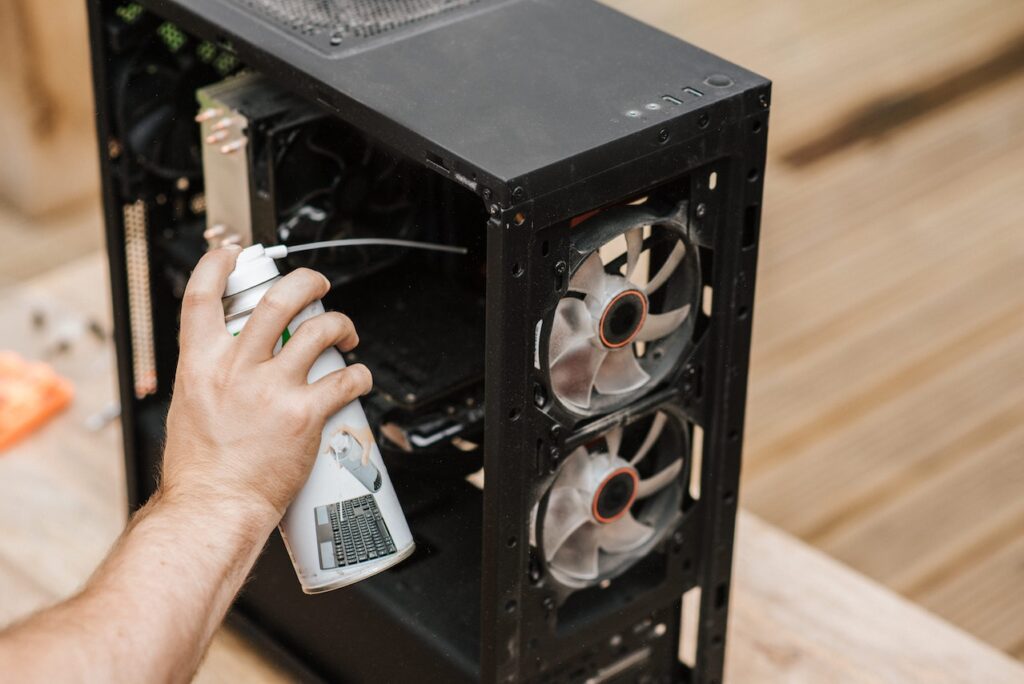
Regular computer maintenance can help prevent system slowdowns from occurring in the first place. This includes performing regular updates, cleaning up temporary files, deleting unused programs, and checking for malware or other malicious software. Additionally, it is a good idea to run regular diagnostics on your computer to check for any issues that need to be corrected.
Another benefit of regular maintenance is that it will help identify any hardware or software issues before they become major problems. This allows you to address the issue promptly, ensuring minimal disruption to your business operations.
Lastly, regular computer maintenance can help improve the overall performance of your system. This is especially important if you’re dealing with a slow and unreliable system.
Choosing the Right Repair Services
When it comes to repairing or troubleshooting IT issues, you want to make sure you are working with a reputable and experienced service provider. A good way to find the right repair services is by searching online. This will help you narrow down your choices to local businesses that specialize in the type of repair work you need.
For example, if you’re in West Jordan, Utah, search results will likely bring up a list of local shops that offer computer repair services. Make sure to read customer reviews and check the Better Business Bureau’s website for ratings and complaints.
Troubleshooting IT Issues
When troubleshooting IT issues, it is important to look for patterns. For example, is the issue occurring on multiple PCs? Did it start after a recent software update? Is the issue only happening when connected to the internet? These are all questions you should be asking yourself to pinpoint the root cause of the problem.
Once you have identified the source, you can begin to troubleshoot and look for solutions. If you’re not sure how to proceed, consult with a professional IT support service.
Conclusion
System slowdowns can have serious implications for your business. With the right strategy of regular computer maintenance and careful troubleshooting, you can minimize the risk of system slowdowns and ensure your business operations stay running smoothly.
Do you have any advice for preventing system slowdowns? Share your thoughts in the comments section below!