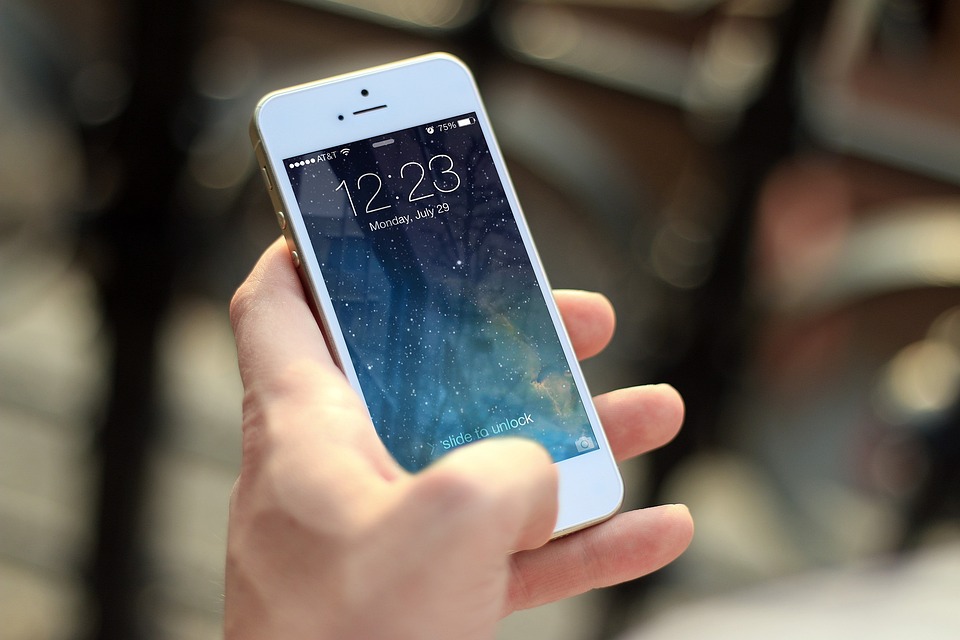
If there’s one mobile device that has captured the imagination of both the young and the old during the past decade and a half, it’s definitely the iPhone. Individuals who can afford to spend on this feature-filled Apple product place orders for new-generation models of the device the moment the launch date is announced. There’s also no shortage of people who save their hard-earned money to get hold of their dream Apple smartphone sometime in the future.
Thanks to the wide array of advanced features embedded in the iPhone, users can use the device for both professional and personal purposes. This makes it mandatory for them to take the right measures to keep their data and identity protected. The section below will educate you about five keys to protect your iPhones from getting hacked. Read through the tips carefully before you start using an iPhone.
- Encrypt All Communication Done Using Your iPhone
If you use an unencrypted connection to gain access to the Internet on your iPhone, you might end up making your device accessible to cybercriminals. They will be able to keep track of your online activities 24/7 and access your personal information without your permission. This might eventually make you experience consequences like loss of privacy, data breach, identity theft, etc.
If you don’t take the right precautions, you might experience financial loss and become a victim of more severe cybercrimes. The best way to stop such events is by using an iPhone VPN. The VPN or Virtual Private Network will hide your IP address and encrypt your online traffic. This, in turn, will prevent hackers and third parties from seeing your online activities and keep your data protected.
- Use Brute-Force Protection
Your risk of losing online privacy increases significantly if your iPhone is lost or stolen. People getting hold of the misplaced device tend to guess and enter many possible passcodes to gain access to the phone.
If the third parties making such attempts are experienced enough, they will not take too much time to crack the passcodes. This makes it mandatory for every iPhone user to stop people from entering a series of passcodes to guess the one they are using.
Apple’s operating system, iOS, comes equipped with brute-force protection. This feature, when enabled, stops people from entering multiple passcodes for logging into the device. Brute-force protection will allow just ten attempts, and as one will get close to the tenth attempt, the entry process will slow down gradually. Once all ten attempts are made, the encryption key will automatically be deleted, and all your data will get wiped.
- Enable Automatic Updates
There’s no denying the fact that iPhones have the best security features. However, often users fail to make the best use of those features by not updating iOS regularly. If you don’t update the operating system of your iPhone, the device will not be able to fight advanced hacking attempts successfully.
To ensure that you don’t forget to download the available updates, enable “Automatic Update” on your iPhone. This feature is available on iOS 13 and all versions that have been launched after that.
- Don’t Allow Apps to Have Bluetooth Access
iPhone users around the globe witnessed a significant change the moment they upgraded to or installed iOS13. A large number of apps, including some prominent ones like Facebook, began to ask users for permission to access Bluetooth for data transmission.
According to experts, the apps want to access Bluetooth to track the users’ activities. So, granting such permission can be dangerous for you and might result in loss of privacy.
So, whenever such prompts appear on your screen, click on “deny”. You can also make necessary changes by entering your iPhone’s Settings. Here, you must note that denying Bluetooth access will not affect audio streaming to speakers and headphones.
- Use Two-Factor Authentication
Modern-day hackers work using a series of advanced technologies. As a result, they might not need much time to get the username and password you use to log into iCloud. Having access to your login details would allow them to access all your sensitive information and other data stored on iCloud. Use two-factor authentication to stop hackers from doing so.
If you enable two-factor authentication on your iPhone, Apple will send a unique authentication code to a device picked by you whenever someone tries to log into your iCloud. For entering your iCloud, hackers would also need access to that device. This would decrease your iPhone’s chances of becoming a victim of hacking attacks significantly.
Conclusion
Indeed, iPhone is an expensive device. However, what’s even more valuable than this Apple creation is your privacy. So, leave no stone unturned to keep your data protected on your iPhone. Following the tips above will make the job easier for you.