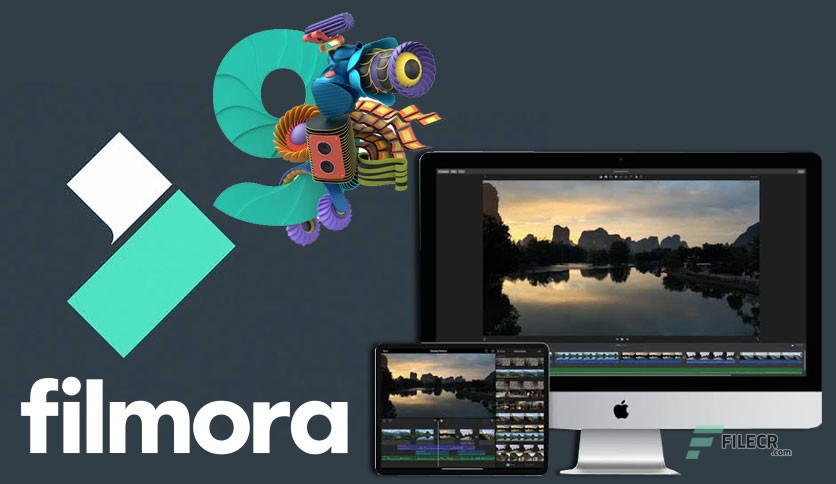
 Wondershare’s filmora is the best way to make a video. It offers you the standard trimming and transitions that have many effects which lead to the enthusiastic level of editing video software. Even has overlays that come along with many effects which make it special. The company is regularly advancing and modernizing its features day by day according to the new technology and has more renowned the name among its competitors. The features added contain motion tracking for example. It may help the video creator to get the job done clearly and pleasingly.
Features of wondershare’s filmora
It is a video editor software that helps the user in creating software that enables them to create amazing videos with a wider range of powerful editing tools. Filmora uses a very efficient design that makes it easy to be used by anyone who wants to become a great video editor.
It has the features like giving different filters and animated elements to the video with many video effects. Its features also contain filters and overlays that help in transforming a video completely. These complete transitions are fulfilled by a variety of filters and graphic overlays. It gives you a 4K editing support and noise removal from the video also. You may be facilitated with communication by using a used selection title or openers and lower thirds.
If you want to drag and drop some moving graphics in your video then filmora is the best option for you to be used. It helps the user in combining multiple videos that are set up perfectly. The royalty-free song also is chosen from a library of music to be perfectly set on the graphing video that you are designing. It includes features that have 4K editing support, GIF, noise removal, scene detection, and even an audio equalizer.
Pricing offered by wondershare’s filmora
Wondershare’s filmora offer you three different pricing plan that consists of a monthly plan, annual plan, and perpetual plan. The monthly plan costs about US $19.99 that is billed every month and may get canceled anytime. You may get the latest updates as long as you have a subscription. All the features are offered to you very easily and no watermark is left on the video from the video editor.
The annual plan is a clan that makes your pocket happy in pleasant because it just costs the US $61.99. it helps you to get the subscription annually and is built annually. The features offered by this subscription are no watermarks on the video or your exported video. It has 1 year of filmora updates to be updated with you. The new feature was added to it as one month of the AI portrait and on into it.
There is also a perpetual plan that is offered to you for just 89.99 US dollars. It is special because it gives you a one-time free subscription for the wondershare filmora application. The features added to it are as above but have extensions like the senior tax support and unlimited assets download from the video.
Features that make filmora special from others
The color tuning advanced text detection audio mixer and video stabilization are some of the features that make wondershare’s filmora special from its other competitors like Corel video studio and power directors. 4K editing video support enables the user to export a video at a resolution of up to 4K. Its GIF support feature allows the import and edits some GIF files into the video. It also helps in exporting the GIF files and removing features that facilitate the removal of unwanted background noise at the instant.
The audio mixer feature of a bi helps three uses in enabling the change of audio into various tracks. It also has features like an advanced text editor that helps in changing the color size and font of the text in the animation of the video. Its screen recording feature enables it to record the screen of the computer and even of the webcam very efficiently. It also has a very attractive feature that is called stabilization that eliminates the effect of camera shaking through the video. This is the best video editor application in the world.
DOWNLOAD LINK
Mac: https://filmora.wondershare.com/video-editor-mac/
AppStore: https://apps.apple.com/app/apple-store/id1019382747?mt=8
Windows: https://filmora.wondershare.com/video-editor/
Google Play Store: https://play.google.com/store/apps/details?id=com.wondershare.filmorago
Conclusion
It has a pleasing interface that resembles a full video editor view. It also has a three-panel layout on the source of the content. The video preview and timeline of the video are across the video at the bottom. It has a clean and simple interface that helps in controlling the screen very easily. Everyone is switching their video editing application to wondershare filmora. There is a positive review of it all around the world and many people have decided to find their new video editor app as filmora.