Apple iPhone users dominate the field of smartphone users. If you’re an iPhone user and a professional driver, your iPhone is your main tool of communication and navigation. Although there are easily accessible navigation apps on your iPhone such as Google Maps, they’re not necessarily the best to use for when you have hundreds of addresses to get to.
When it comes to organizing a multi-page manifest Google Maps falls short. Not only do they have a maximum amount of addresses you can input, but they offer no real optimization features such as live traffic or road condition updates.
If you’re a courier, a small business offering delivery, or a large corporate delivery service, these limitations will cause a significant drain on your time and resources. It’s in your best interest to use a proper route optimization app that can streamline your day.
How to Optimize Your Multiple Destinations Route Using Google Maps
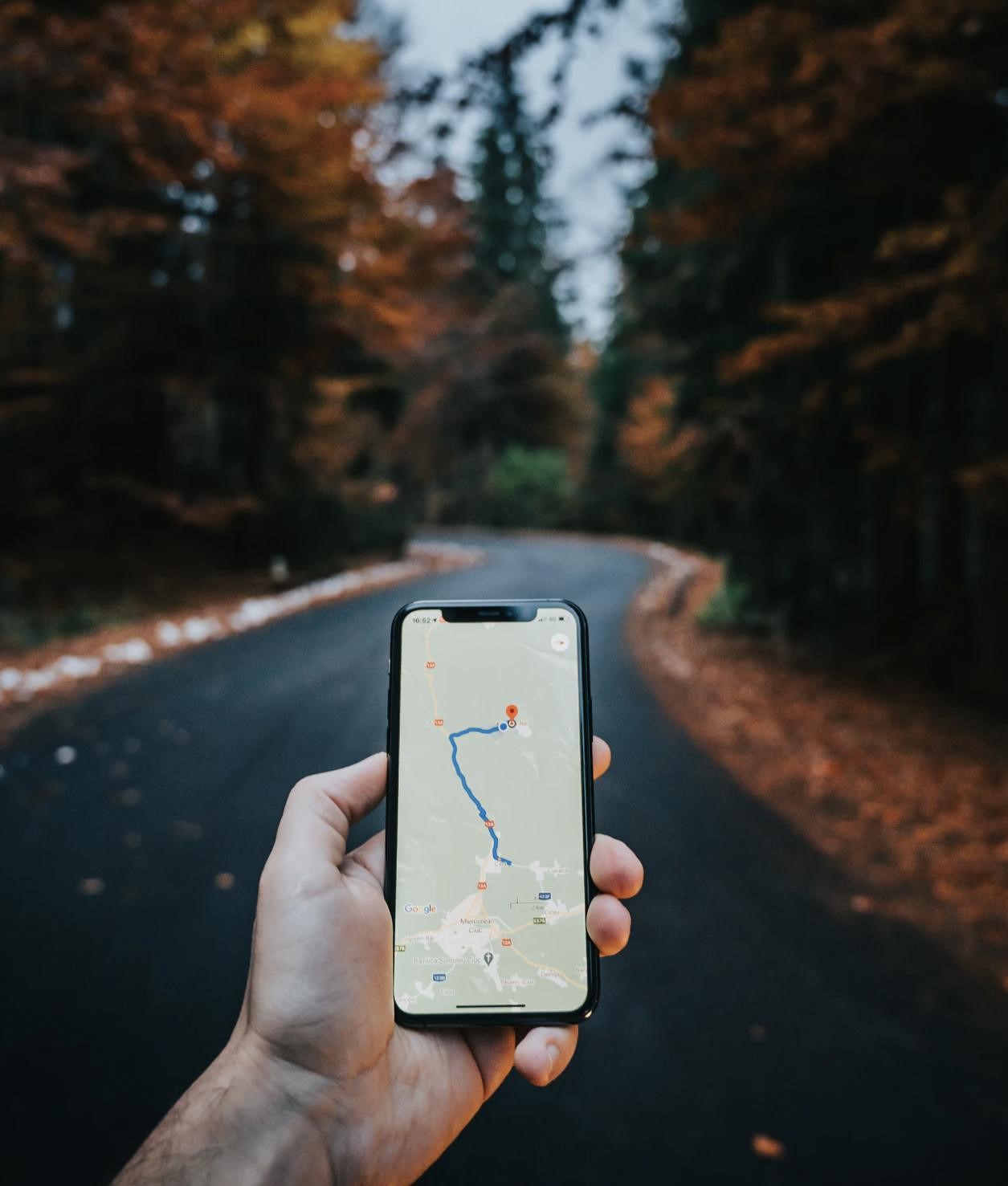
With Google Maps, you can enter up to 10 destinations maximum. That’s it. For instance, maybe you want your route to conclude back at your beginning location. This means you have to use your beginning point as your last destination, which then leaves nine stops for your delivery route.
If you have more than just ten stops to make, then you must manually input those stops and then at your tenth stop, you need to clear the route and manually add the next ten stops.
After that, click the three dots in the upper right-hand corner of the screen, and select ‘Add Stop.’ How you order the stops is how the route gets mapped. There’s no feature to automatically come up with a route that is more efficient or quick. If you’re new to the job or are delivering to a new neighborhood, you will burn time trying to study a map of an unfamiliar area.
How to Optimize Your Multiple Destinations Route Using Straightaway
Straightaway lets you take a picture of each page of the assigned manifests, which can commonly be over 10 pages with an average of about 150 stops. Using the iPhone’s camera and the optical character recognition software, or the OCR, the pictures of the lists of addresses are geocoded, and then organized into the most efficient route.
The AI optimization takes into account different data, including things like traffic and road conditions and construction, which gets updated throughout the day. Immediate feedback from the API recognizes when a faulty address is captured by the camera. If one of the addresses on the manifest has a typo, the algorithms will flag the outlier and the driver can quickly manually override it with the correct address.
The Straightaway app is user-friendly as well. New drivers can pick up the hang of the app quickly. Drivers can adjust the app to their own preferences avoiding toll roads, highways, and busy intersections. There are even advanced features such as adjusting the time at delivery stops, so more accurate ETAs are delivered.